Kaskade
Description
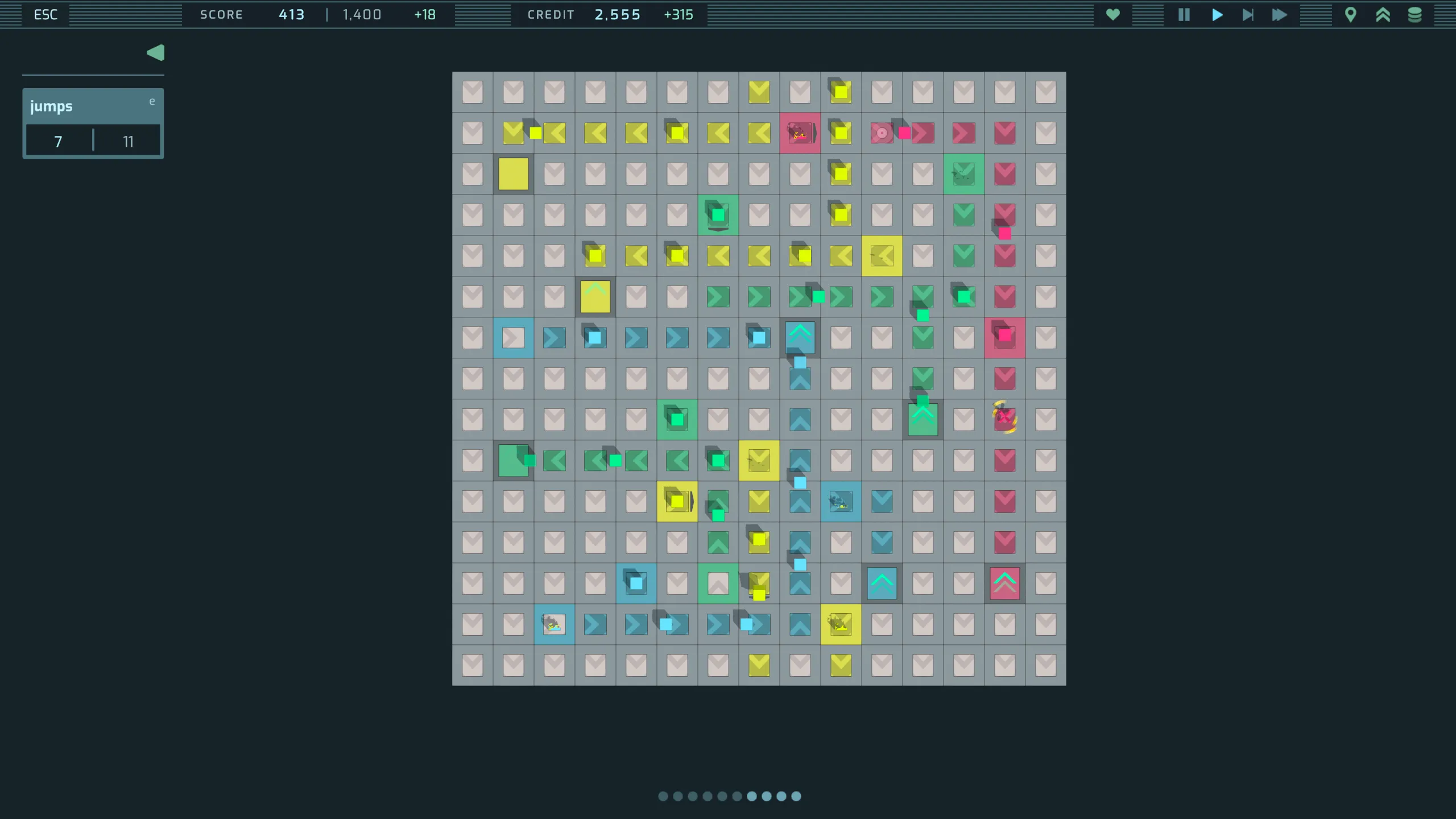
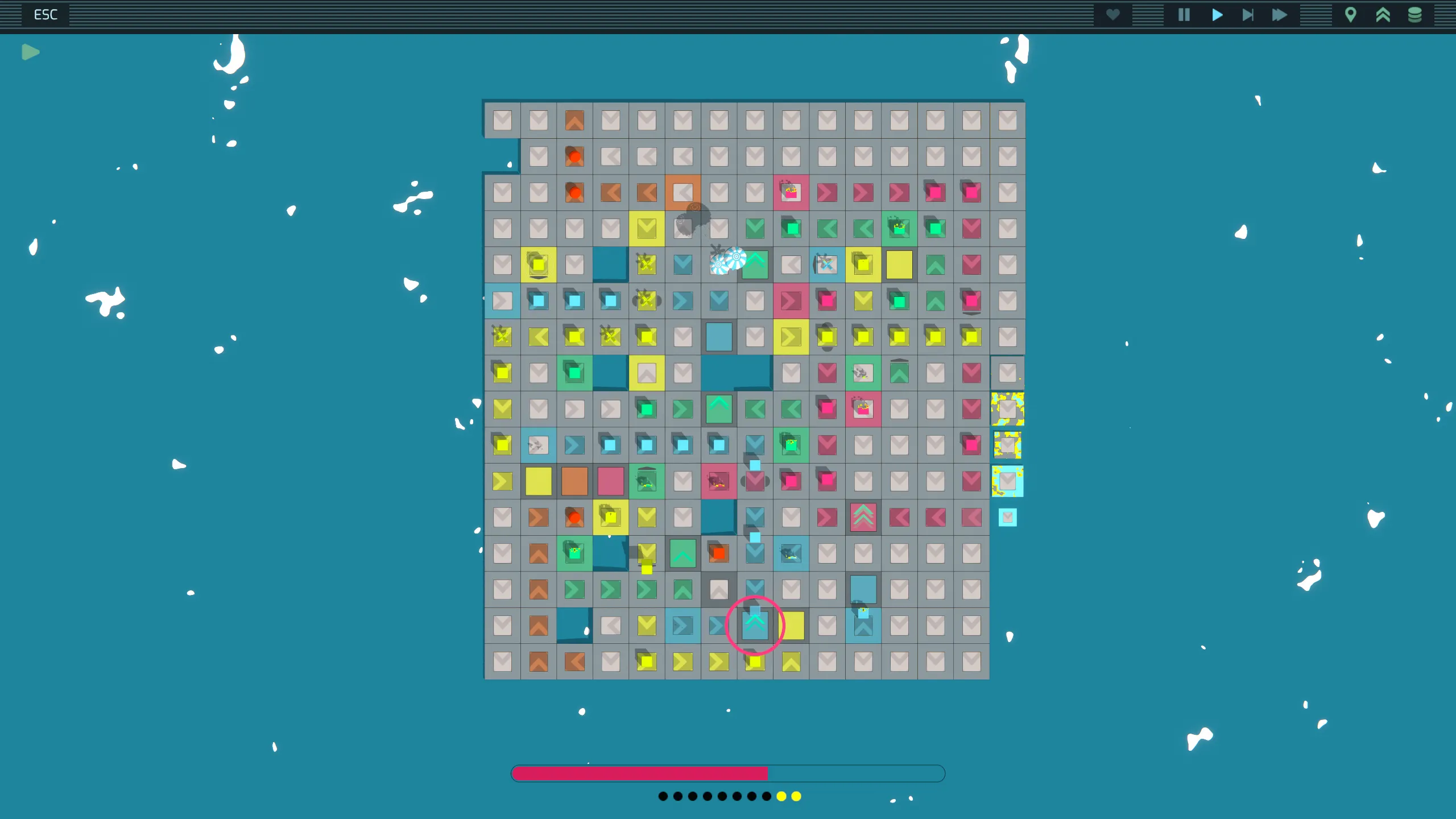
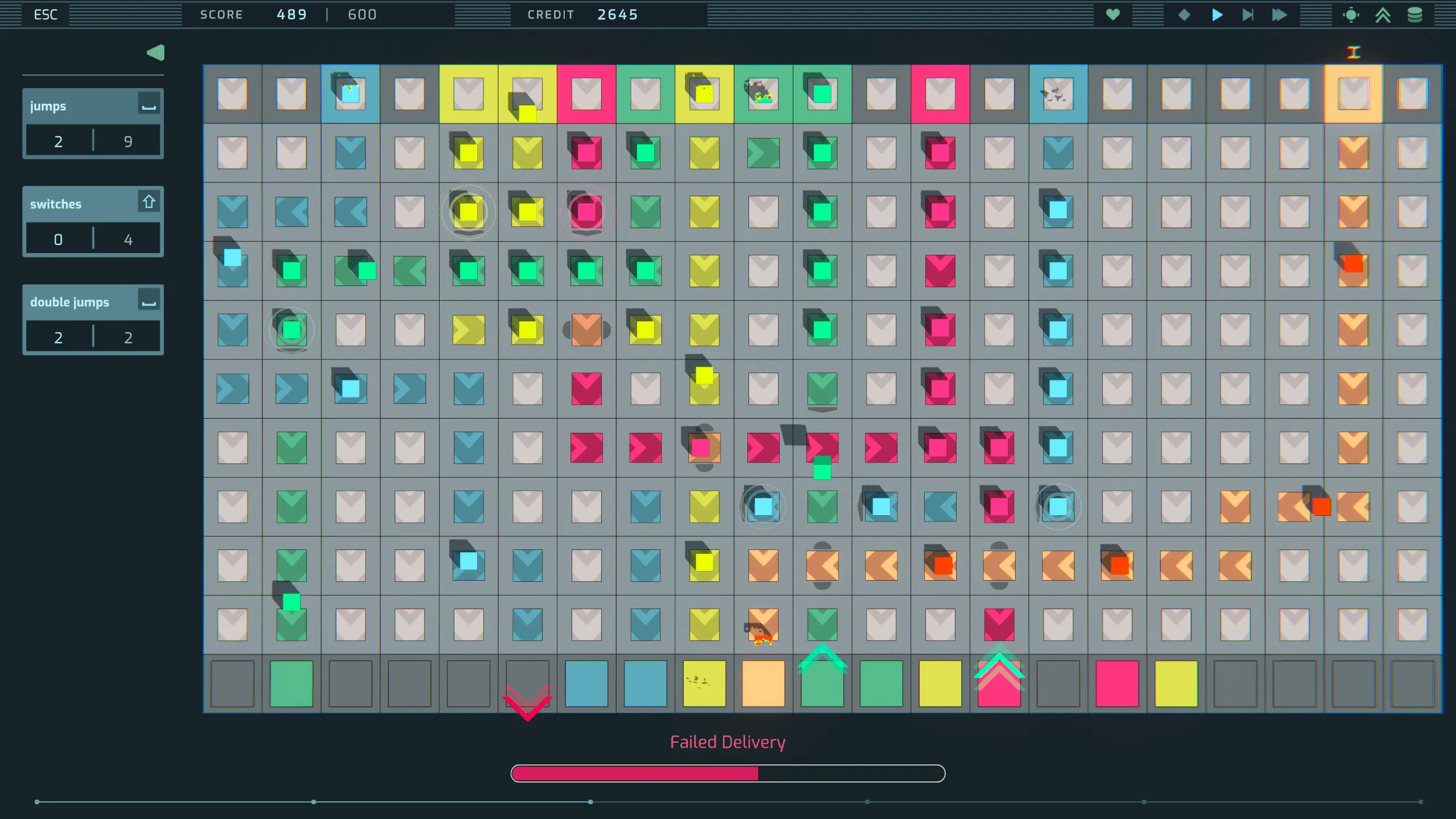
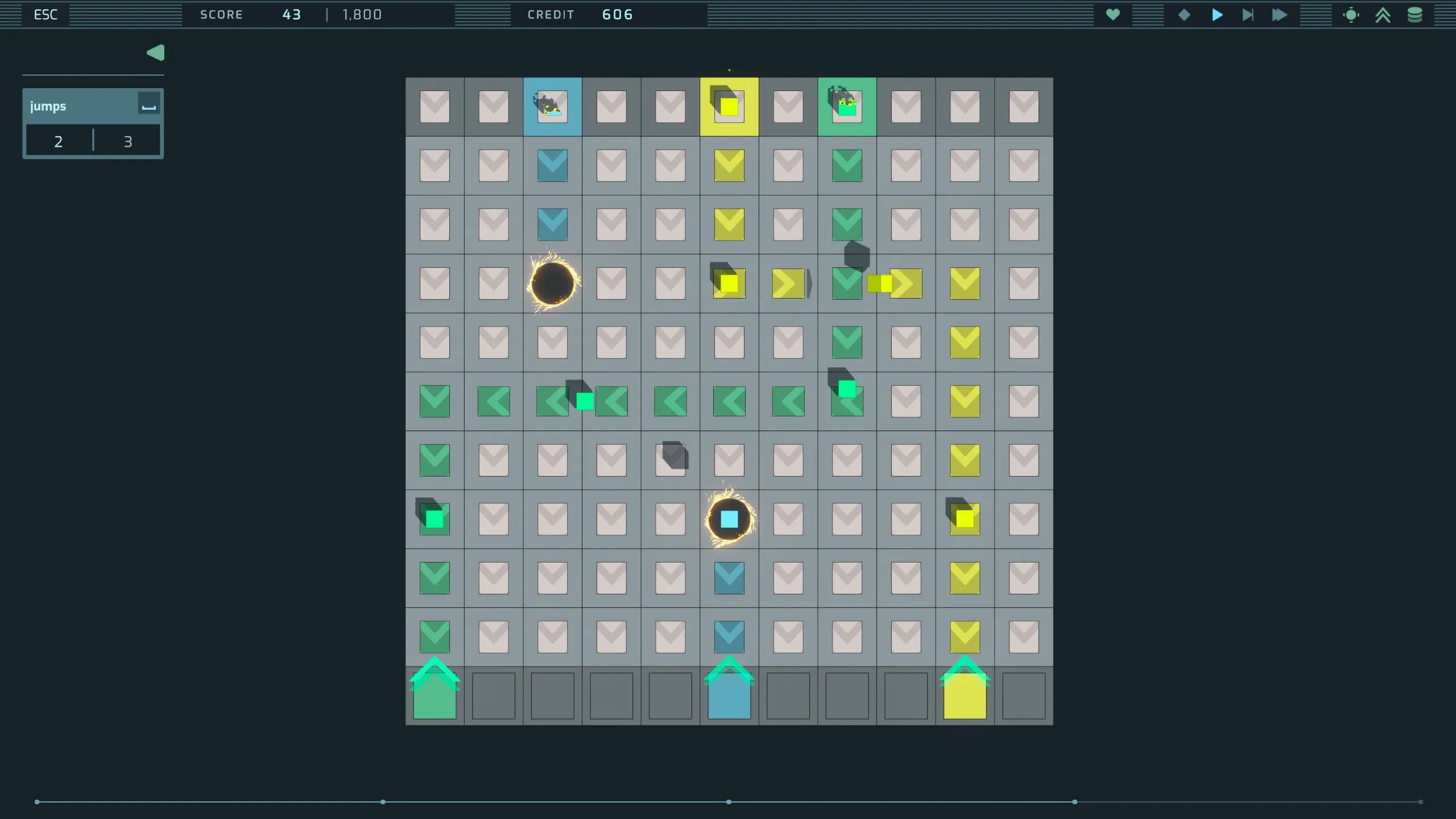
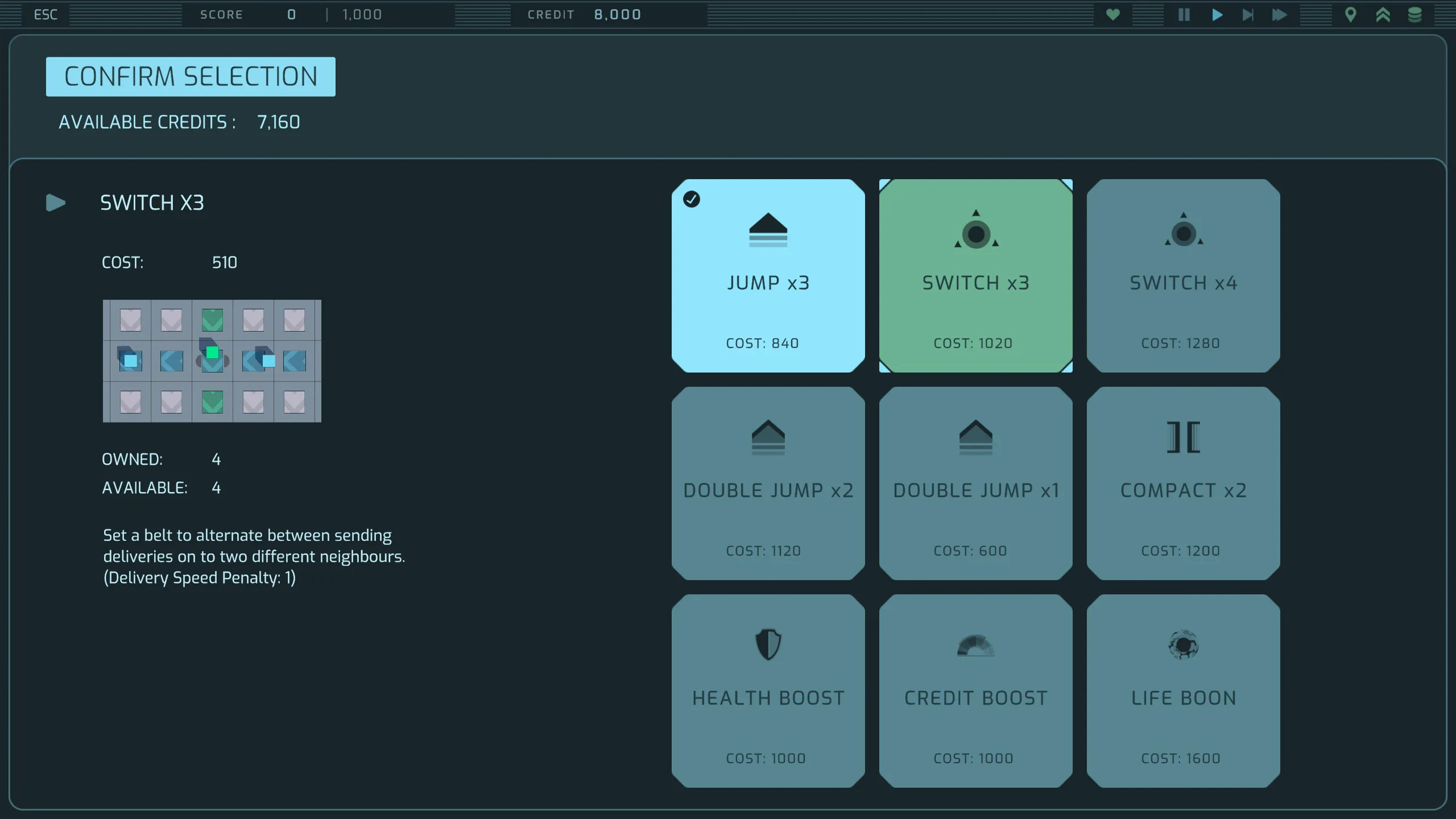
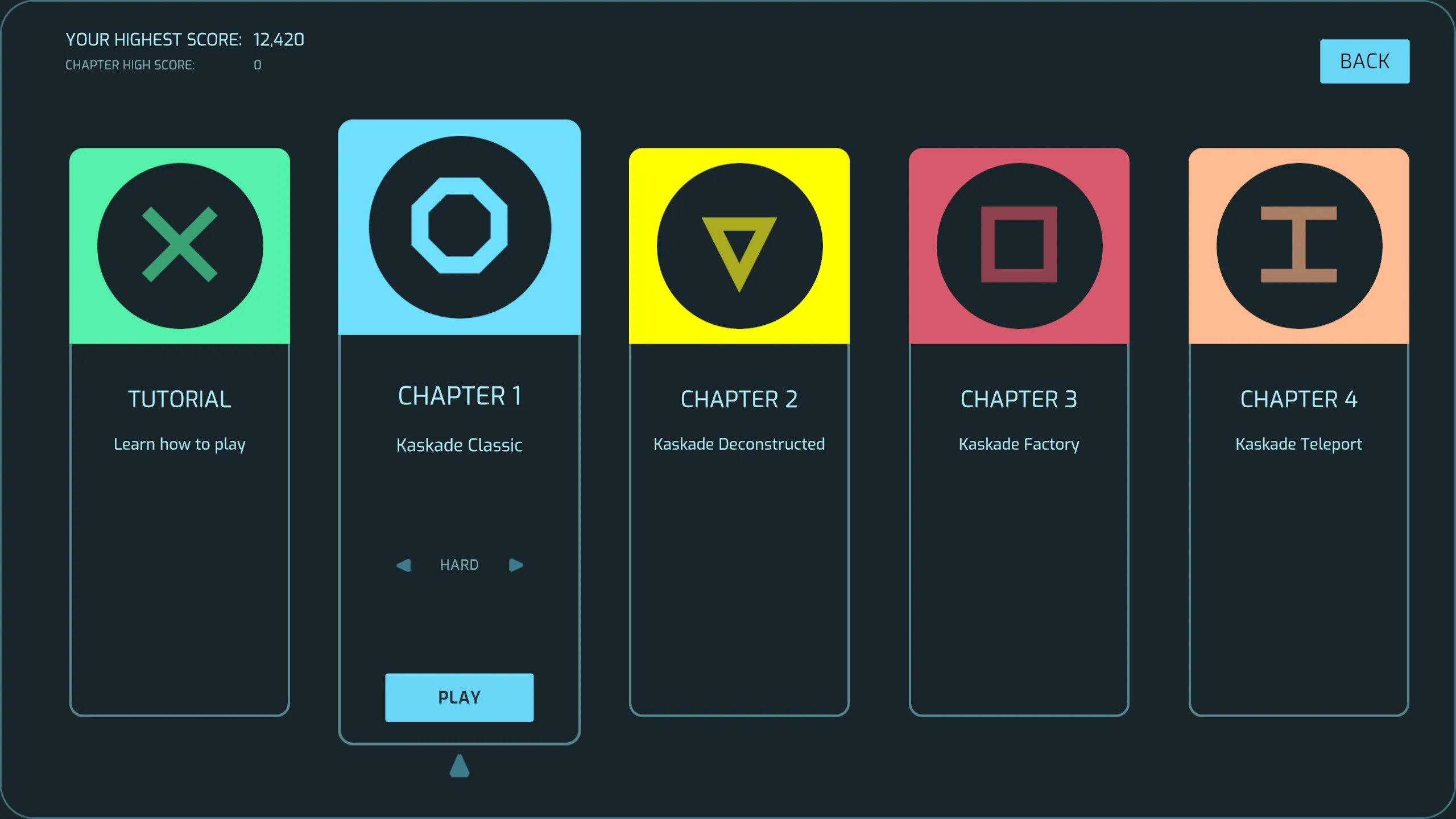
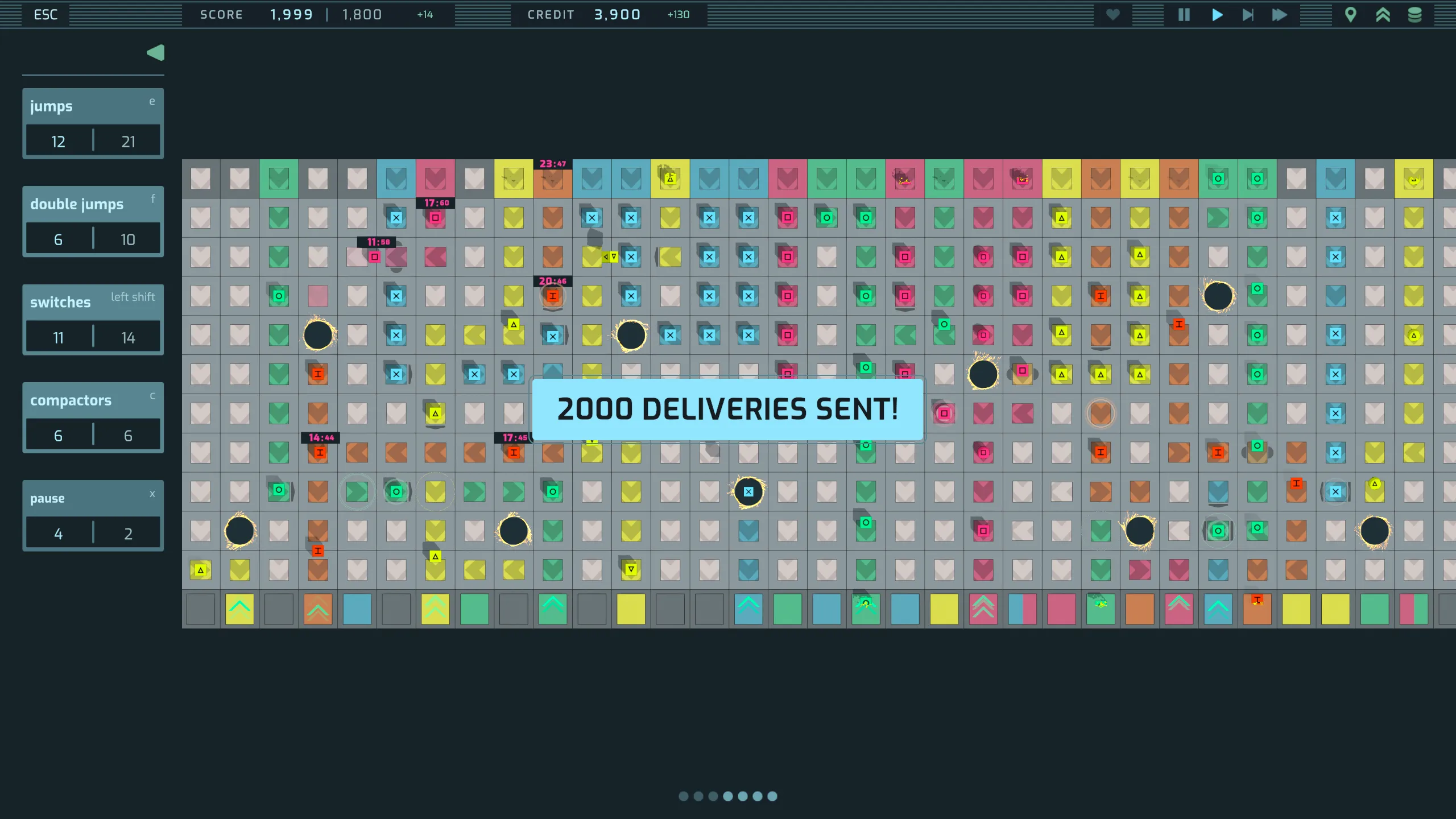
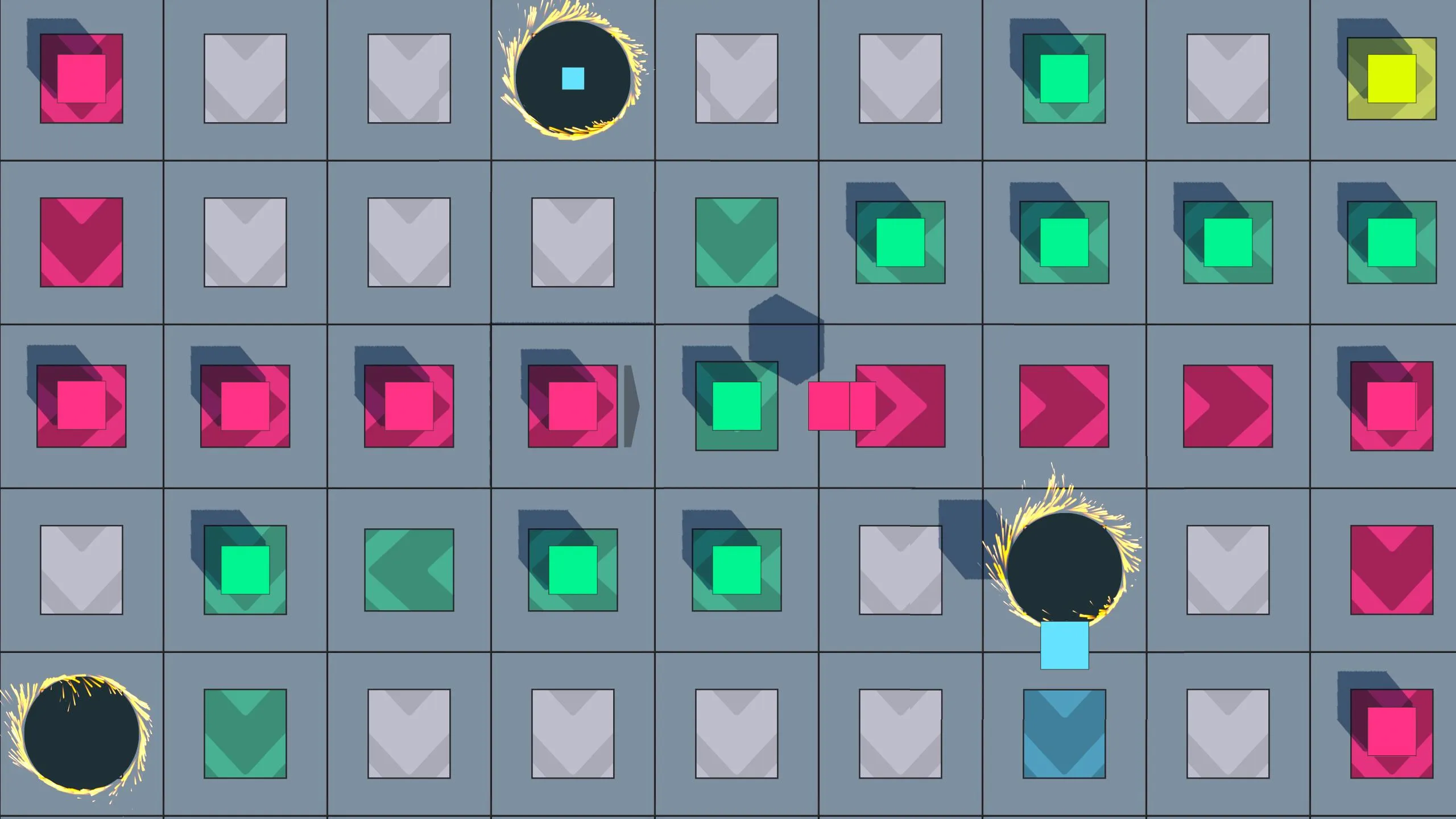
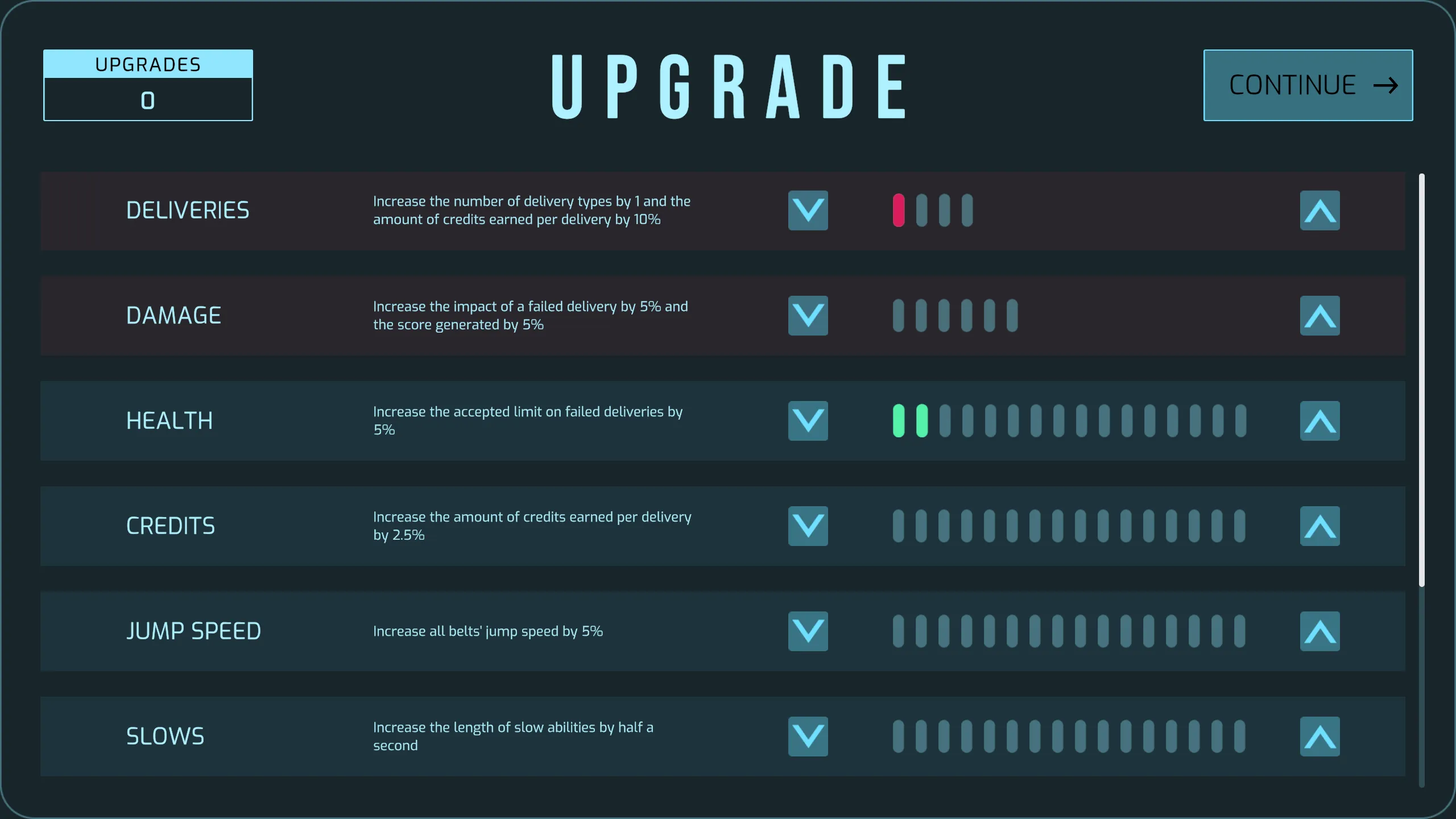
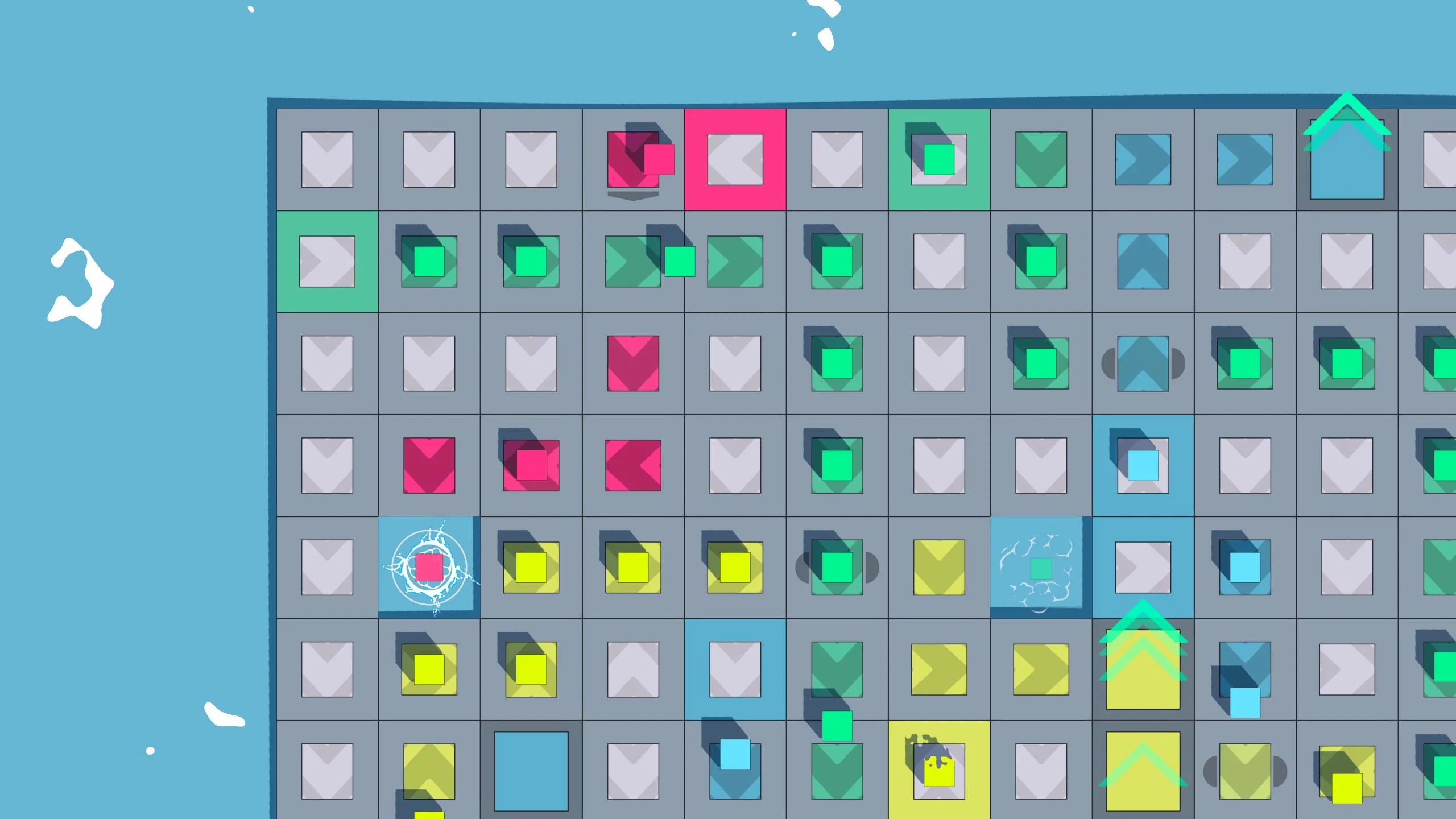
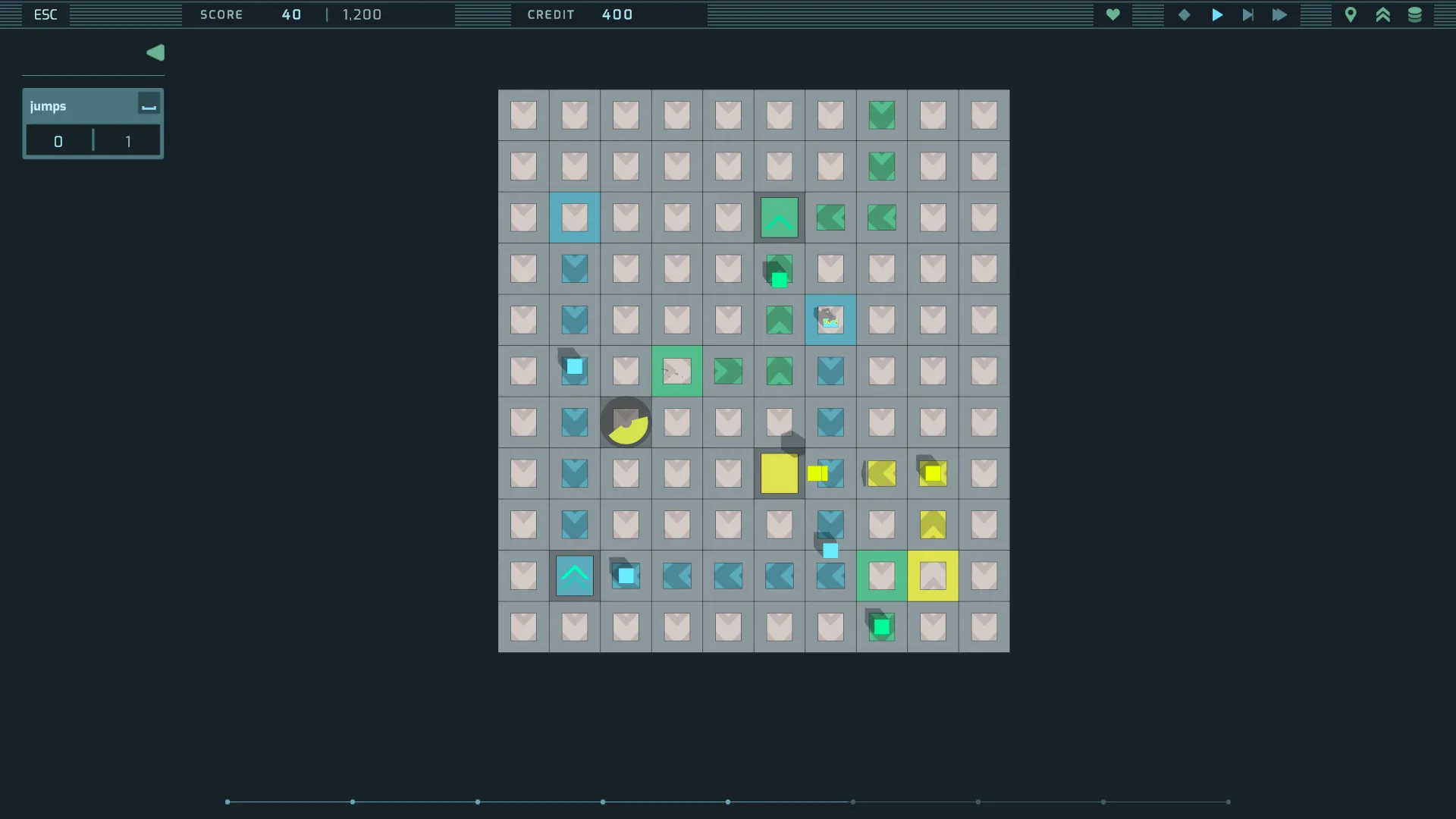
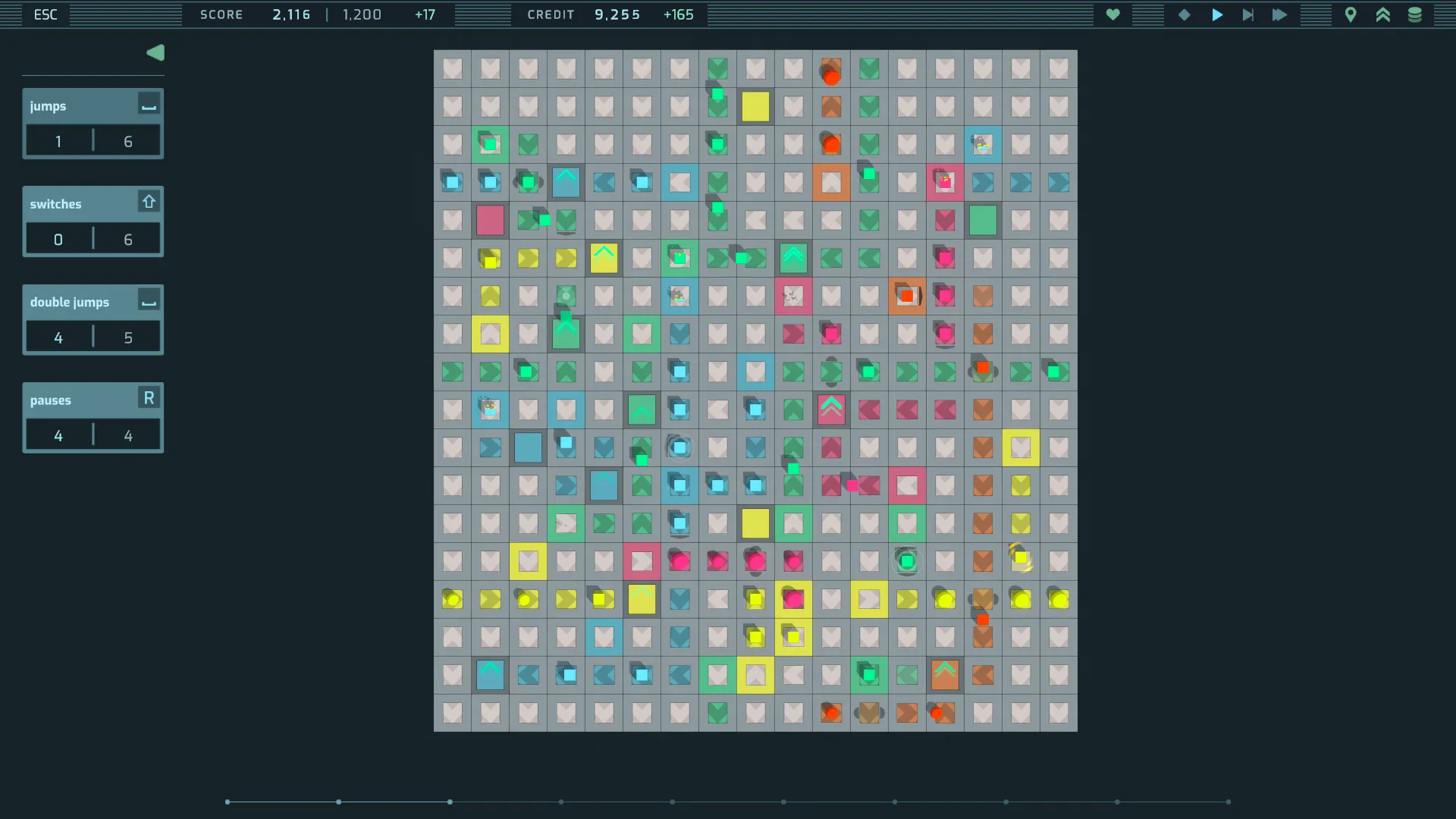
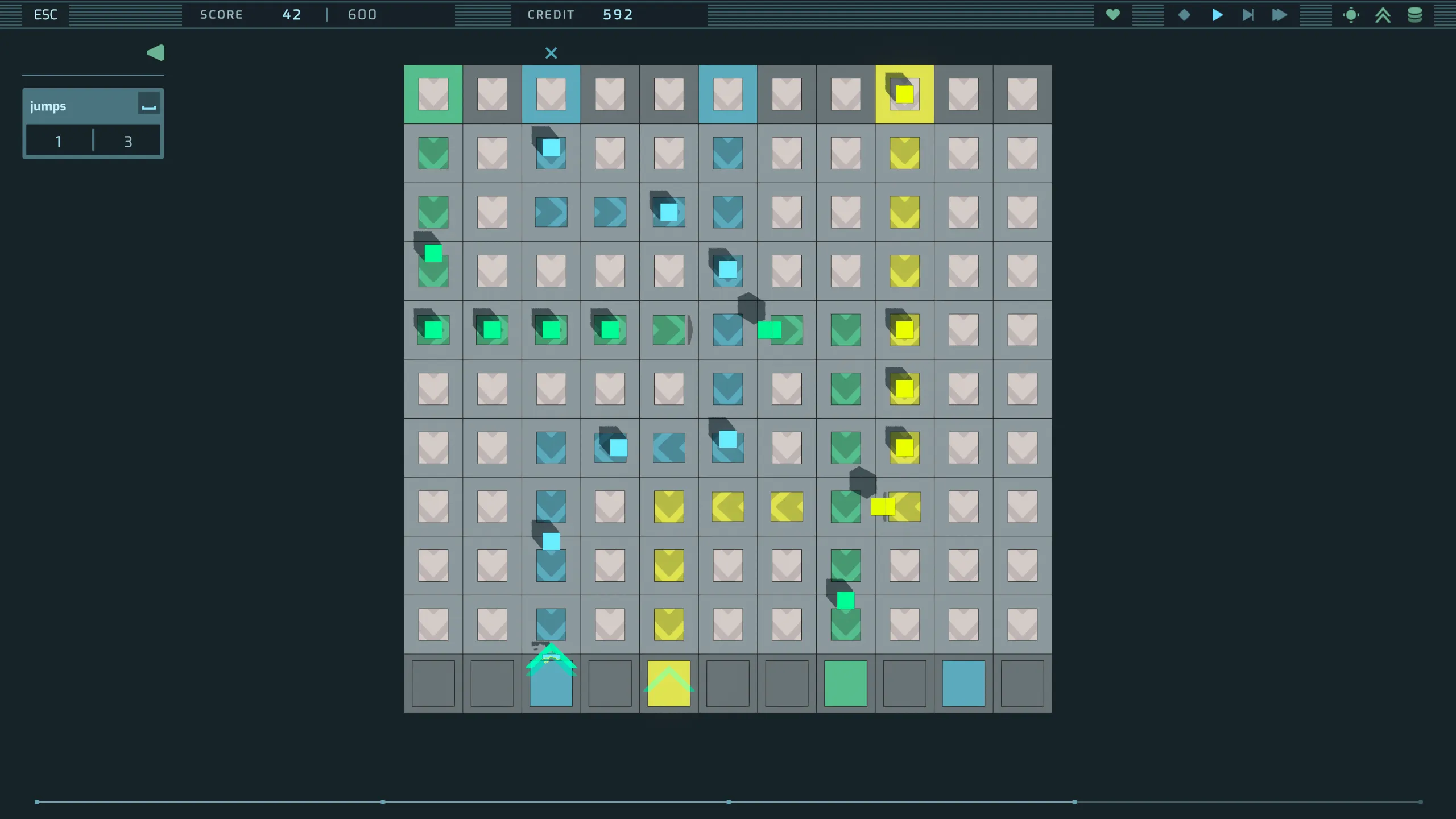
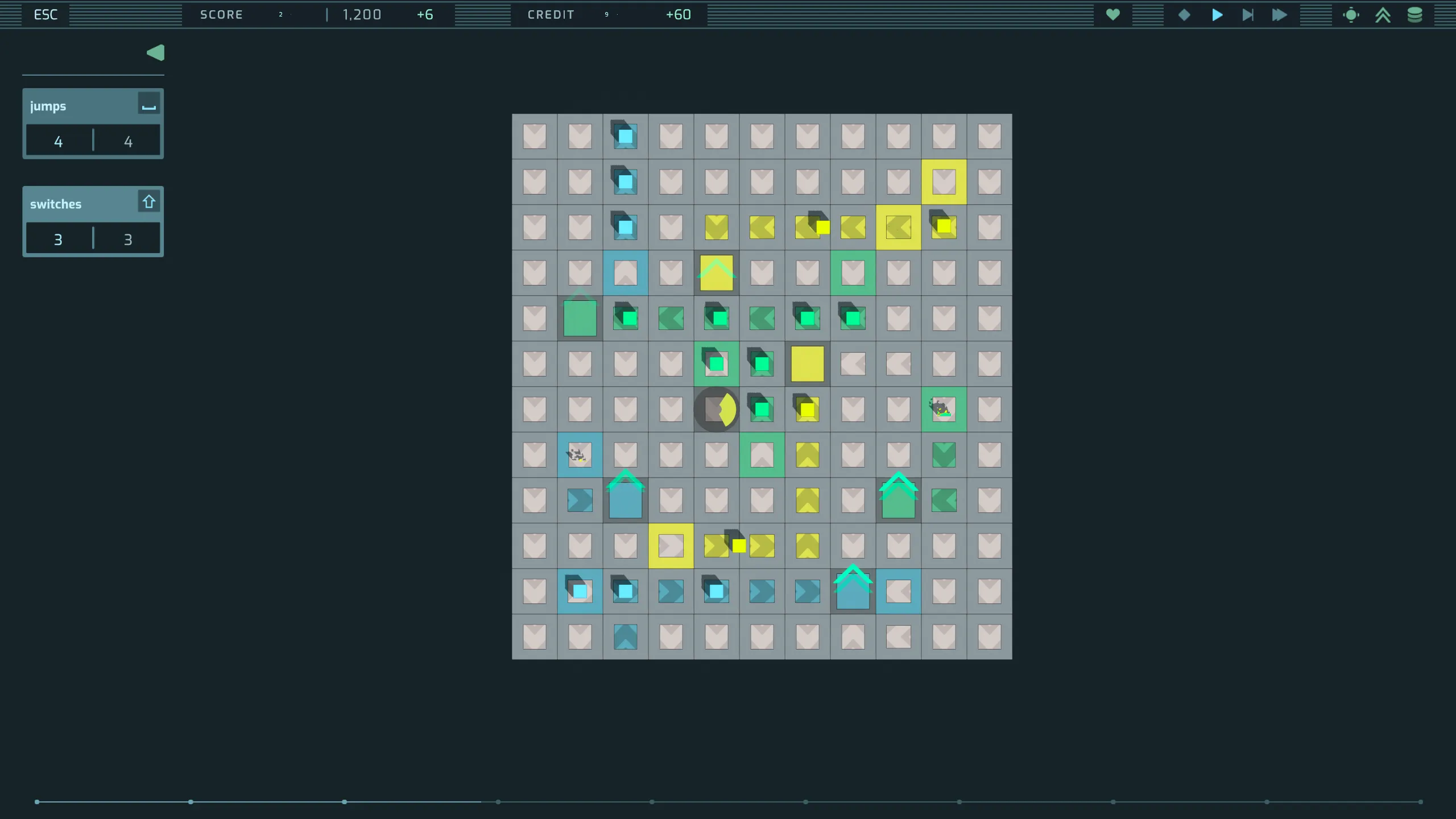
Kaskade is a minimalist strategy puzzle game developed in Unity and available on Steam. Players construct paths through a network of conveyor belts to ensure deliveries reach the correct destination. Over time the network grows, and players unlock, purchase and upgrade abilities to better manage the growing complexity of the system they oversee.
Technical highlights
A finite state machine for handling deliveries
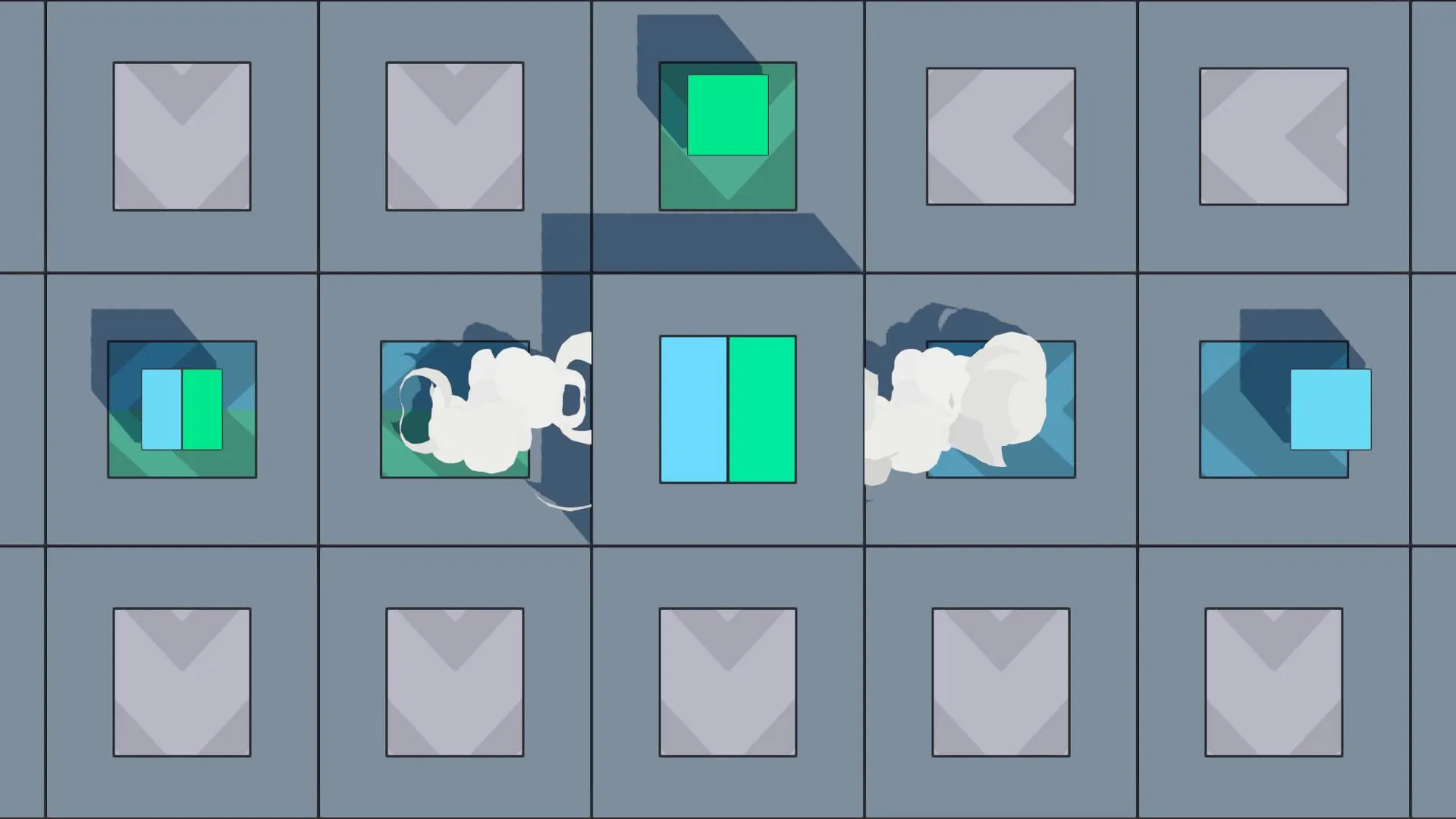
The gameplay map is a two dimensional array of conveyor belts that dictate the movement of deliveries throughout the map. Each belt in the array can be rotated by the player to one of the four cardinal directions. Each belt can also be upgraded with abilities like jump (sending a delivery over its direct neighbour), double jump and compact (combining deliveries of different colours).
Each belt needed to be able to receive a delivery when empty, request shipment of a delivery to its target neighbour, wait to ship that delivery, and finally trigger the sending of it. At the same time, the belts needed to queue up and then carry out any player input that asked a belt to change where it sends its deliveries and how (via a jump, say). A finite state machine seemed a good fit for that process, and so each belt in the network is an independent state machine for controlling deliveries.
If I were to start over, I would take a simpler approach and use a manager class and a directed graph to control all the belts. As a personal project, though, it was nice to take on the challenge of building a decentralised network instead.
Recursively mapping belt paths
The game needed a way to detect which belts belong to a path that traces back to a spawning belt, and to trace paths through the array. Doing that successfully meant accounting for factors like:
- Paths through the array branch when they reach a switch belt. (The switch ability is an upgrade a player can make to a belt, and it sets the belt to send deliveries on in two different directions.)
- Belts can be oriented in such a way that a path loops back on itself.
Below is the code used to trace paths through the array.
- It starts from a given starting belt and then recursively explores connected belts to build a Path object, a tree-like structure.
- The method uses a depth counter (beltDepth) to limit recursion. It also keeps a set of visited belts, to avoid infinite loops if a belt is encountered more than once — namely, in a loop.
- The recursion stops when certain conditions are met, like reaching the end of the belt path, or the current belt having no valid target neighbour for further traversal.
- The output is a Path object that holds the current belt and a list of paths from all the connected belts, representing the entire route through the network from the starting point.
Show the path tracing code
public class Path
{
    public Belt Belt { get; set; }
    public List<Path> Paths { get; set; }

    public Path(Belt belt)
    {
        Belt = belt;
        Paths = new List<Path>();
    }
}

private class TraversalContext
{
    public bool VisitedCombiner { get; set; }
    public Belt CombinerParent { get; set; }
}

private static Path CalculatePathRecursive(Belt startingBelt, Belt currentBelt, int lineIndex, int beltDepth, bool useSwitchTargets, HashSet<Belt> visited, TraversalContext context)
{
    // Terminate if we've reached the maximum depth or detected a loop.
    if (beltDepth == 0 || visited.Contains(currentBelt))
    {
        return new Path(currentBelt);
    }

    visited.Add(currentBelt);

    Path currentPath = new Path(currentBelt);

    // Early exit if the current belt is the end of the line
    if (currentBelt is BeltLastRow && currentBelt.MyDirection == Direction.South) return currentPath;

    // Early exit if the target is null or is set to deliver to the current belt
    Node targetNeighbour = currentBelt.Director.TargetNeighbour;
    if (targetNeighbour == null) return currentPath;
    if (NodeUtilities.Facing(currentBelt, targetNeighbour)) return currentPath;

    // If using a switch, resolve to the sending neighbour
    if (UseSwitchSendingNeighbours(currentBelt))
    {
        currentBelt = currentBelt.sendingNeighbours[0];
    }

    // Update the traversal context if the current belt is set to Combine
    if (currentBelt.combine.SetToCombiner)
    {
        context.CombinerParent = currentBelt;
        context.VisitedCombiner = true;
    }

    // Get the target neighbours for this belt
    List<Belt> nextBelts = GetTargets(currentBelt, lineIndex, useSwitchTargets);

    foreach (Belt belt in nextBelts)
    {
        // Avoid looping back to the starting belt.
        if (belt == startingBelt) continue;

        // Recursively calculate the path with decreased depth.
        Path nextPath = CalculatePathRecursive(
            startingBelt,
            belt,
            lineIndex,
            beltDepth - 1,
            useSwitchTargets,
            visited,
            context);
        currentPath.Paths.Add(nextPath);
    }

    return currentPath;
}
The strategy pattern for handling delivery movement
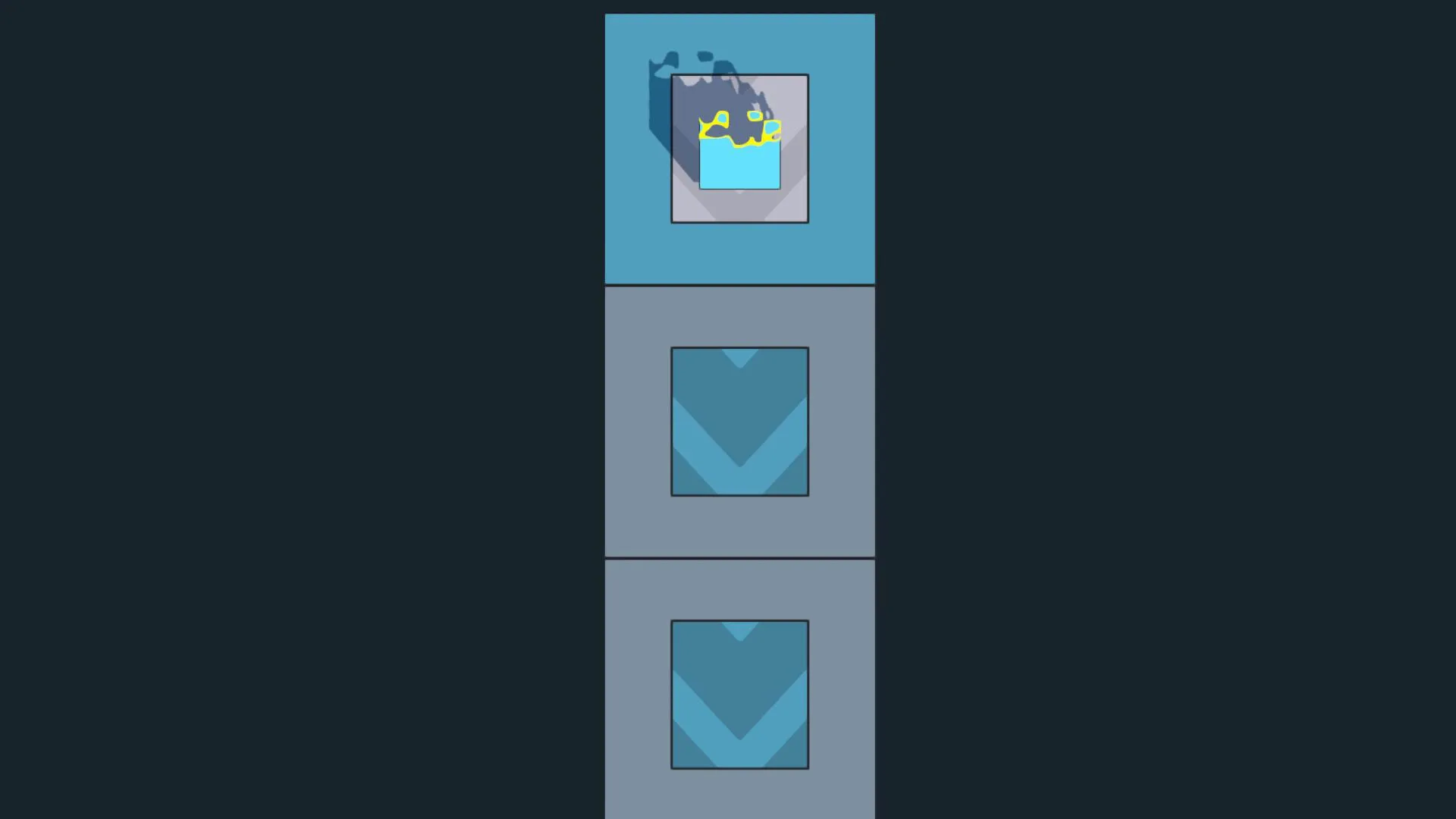
There are a variety of ways in which a delivery — a Widget — can move around the map. It can be set to jump from one belt to another, for example, following an arc between the two and rotating 180 degrees around the axis perpendicular to the direction of travel.
During production the number of movement types grew, and I knew there was potential to add more. I decided to refactor how I handled movement, adopting the strategy pattern, which made the code cleaner to manage and better designed for extension.
The WidgetMover class holds a dictionary of enums, representing the different movement types, and implementations of an interface, IMover, that handle the movement itself. Movement is requested through MoveToTheTarget, the dictionary is checked for the appropriate strategy and, if one is found, its coroutine starts.
Show the WidgetMover class
public class WidgetMover : MonoBehaviour
{
    // REFERENCES (set via Initialize)
    private Widget _widget;
    private BoxCollider _collider;
    private Vector3 _startingScale;
    private WidgetVisuals _visuals;

    [Header("Movement Settings")]
    public Vector3 sinkOffset = new Vector3(0, 4, 0);
    public Transform WidgetMeshTransform { get; private set; }

    [Header("Easing Functions")]
    public EasingFunctions.Ease ease = EasingFunctions.Ease.EaseInCubic;
    public EasingFunctions.Ease jumpEase = EasingFunctions.Ease.EaseInCubic;
    public EasingFunctions.Ease flyEase = EasingFunctions.Ease.EaseInCubic;

    private EasingFunctions.Function _easeFunc;
    private EasingFunctions.Function _jumpEaseFunc;
    private EasingFunctions.Function _flyEaseFunc;

    // STRATEGY PATTERN
    private Coroutine _moveRoutine;
    private Dictionary<MoveType, IMover> _moveStrategies;
    private IMover _standard;

    private void Awake()
    {
        if (transform.childCount > 0)
        {
            WidgetMeshTransform = transform.GetChild(0);
        }
        else
        {
            Debug.Log("Missing child game object on Widget " + name);
        }

        _easeFunc = EasingFunctions.GetEasingFunction(ease);
        _jumpEaseFunc = EasingFunctions.GetEasingFunction(jumpEase);
        _flyEaseFunc = EasingFunctions.GetEasingFunction(flyEase);
    }

    /// <summary>
    /// Initialise the WidgetMover with required dependencies
    /// And set up the strategy pattern dictionary
    /// </summary>
    public void Initialise(Widget widget, BoxCollider boxCollider, WidgetVisuals visuals)
    {
        _widget = widget;
        _collider = boxCollider;
        _visuals = visuals;

        if (_widget == null || _collider == null || _visuals == null)
        {
            Debug.Log("Widget Mover: Unable to initialise movement strategies");
            return;
        }

        InitialiseMoveDictionary();
    }

    private void InitialiseMoveDictionary()
    {
        _standard = new StandardMove(_widget, transform, _collider, _easeFunc, FinalizeMovement);

        _moveStrategies = new Dictionary<MoveType, IMover>
        {
            { MoveType.Standard,
                _standard },
            { MoveType.Jump,
                new JumpMove(_widget, transform, WidgetMeshTransform, _jumpEaseFunc, FinalizeMovement) },
            { MoveType.Teleport,
                new TeleportMove(_widget, transform, _collider, _easeFunc, _startingScale, _standard) },
            { MoveType.EdgeTeleport,
                new EdgeTeleportMove(_widget, transform, _collider, _easeFunc, _startingScale, FinalizeMovement) },
            { MoveType.Sink,
                new SinkMove(_widget, transform, WidgetMeshTransform, _jumpEaseFunc, _visuals, sinkOffset) },
            { MoveType.Fly,
                new FlyMove(_widget, transform, WidgetMeshTransform, _flyEaseFunc, _jumpEaseFunc, FinalizeMovement) }
        };
    }

    /// <summary>
    /// Run a move widget coroutine, selecting the appropriate routine from the dictionary
    /// </summary>
    public void MoveToTheTarget(
        Vector3 targetPosition,
        float moveTime,
        Belt currentBelt,
        Node nextNode,
        MoveType moveType = MoveType.Standard,
        Direction direction = Direction.South)
    {
        if (!_moveStrategies.ContainsKey(moveType))
        {
            Debug.LogError($"Move strategy for {moveType} is not initialized.");
            return;
        }

        if (_moveRoutine != null) StopCoroutine(_moveRoutine);
        _moveRoutine = _moveStrategies[moveType].Move(targetPosition, moveTime, currentBelt, nextNode, direction);
    }

    /// <summary>
    /// Final callback executed when a movement coroutine is completed.
    /// </summary>
    private void FinalizeMovement(Node next, bool jump)
    {
        _moveRoutine = null;

        if (_widget.Status == WidgetStatus.Destroyed) return;

        if (jump) next.PlayWidgetLandVfx();
        _widget.RegisterArrival(next);

#if UNITY_EDITOR
        if (next != null && next.Destroyed)
        {
            Debug.Log("Arrived at a destroyed belt" + next.name);
        }
#endif
    }

    private void OnDisable()
    {
        if (_moveRoutine != null) StopCoroutine(_moveRoutine);
    }
}
IMover is the interface that each movement strategy has to implement.
Show the IMover interface
public interface IMover
{
    Coroutine Move(
        Vector3 target,
        float moveTime,
        Belt current,
        Node next,
        Direction direction = Direction.South);
}
JumpMove is an example implementation of IMover.
Show the JumpMove class
public class JumpMove : IMover
{
    private readonly Widget _widget;
    private readonly Transform _transform;
    private readonly Transform _widgetMeshTransform;
    private readonly EasingFunctions.Function _easeFunc;
    private readonly Action<Node, bool> _finaliseMovement;

    public JumpMove(Widget widget, Transform transform, Transform widgetMeshTransform, EasingFunctions.Function easeFunc, Action<Node, bool> finaliseMovement)
    {
        _widget = widget;
        _transform = transform;
        _widgetMeshTransform = widgetMeshTransform;
        _easeFunc = easeFunc;
        _finaliseMovement = finaliseMovement;
    }

    public Coroutine Move(Vector3 target, float moveTime, Belt current, Node next, Direction direction = Direction.South)
    {
        return _widget.StartCoroutine(JumpWidget(target, moveTime, current, next, direction));
    }

    private IEnumerator JumpWidget(Vector3 target, float moveTime, Belt current, Node next, Direction direction)
    {
        float t = 0;
        Vector3 startPos = _transform.position;
        Vector3 axis = NodeUtilities.GetWidgetAxisFromDirection(direction);

        _widget.SetJumping(true);
        while (t < moveTime)
        {
            if (Speed.Paused)
            {
                yield return null;
                continue;
            }

            if (_widget.Jumping == false || _widget.Status == WidgetStatus.Destroyed) yield break;
            float f = _easeFunc(0, 1, t / moveTime);

            // POSITION
            _transform.position = NodeUtilities.BezierCurveLerp(startPos, target, PlayerSettingsData.JumpControlPointHeight, f);

            // ROTATION
            float angle = Mathf.Lerp(0, -180, f);
            _widgetMeshTransform.localRotation = Quaternion.AngleAxis(angle, axis);

            t += Time.deltaTime;
            yield return null;
        }

        _transform.position = target;
        _widgetMeshTransform.localRotation = Quaternion.AngleAxis(-180f, axis);

        _widget.RegisterMoveComplete(MoveType.Jump);
        _widget.SetJumping(false);

        if (_widget.Status != WidgetStatus.Enabled) yield break;
        _finaliseMovement(next, true);
    }
}
It leans on NodeUtilities for the axis a delivery rotates around and the curve it follows through the air.
Show the NodeUtilities class
public static class NodeUtilities
{
    public static Vector3 GetWidgetAxisFromDirection(Direction direction)
    {
        return direction switch
        {
            Direction.North => Vector3.left,
            Direction.East => Vector3.forward,
            Direction.South => Vector3.right,
            Direction.West => Vector3.back,
            _ => throw new ArgumentOutOfRangeException(nameof(direction), direction, null)
        };
    }

    public static Vector3 BezierCurveLerp(Vector3 start, Vector3 end, float controlPointHeight, float t)
    {
        Vector3 p1 = Vector3.Lerp(start, end, 0.333f);
        Vector3 p2 = Vector3.Lerp(start, end, 0.666f);

        p1.y += controlPointHeight;
        p2.y += controlPointHeight;

        return (((-start + 3 * (p1 - p2) + end) * t + (3 * (start + p2) - 6 * p1)) * t + 3 * (p1 - start)) * t + start;
    }
}